
Three ways to show
the same real work.
GEOKERT needs thoughtful enquiries from people who have seen the projects and recognise what fits their home. These three designs keep that goal fixed.
Read the complete client explanation and critique decisions →
All three are working review prototypes. Galleries and enquiry preparation work. Forms create a local summary and download, with real phone and email links. They do not submit a lead. The client’s new photo folders were empty when checked, so these versions use genuine photographs from the existing GEOKERT site.
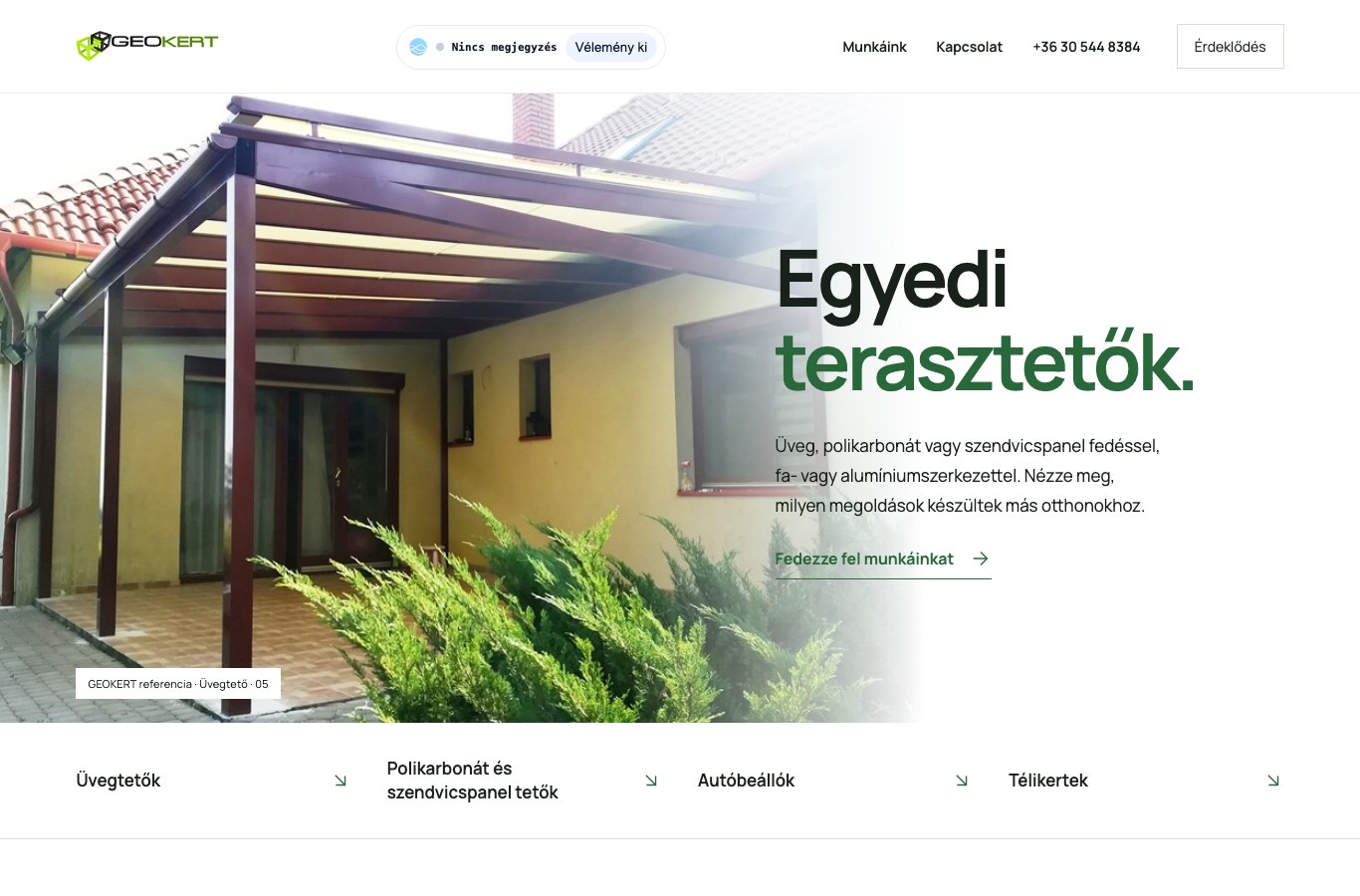
01 · Astra · High
Architectural editorial
A calm daylight composition. Broad photographs, clear type and generous space let the work speak first.
Review Astra variant →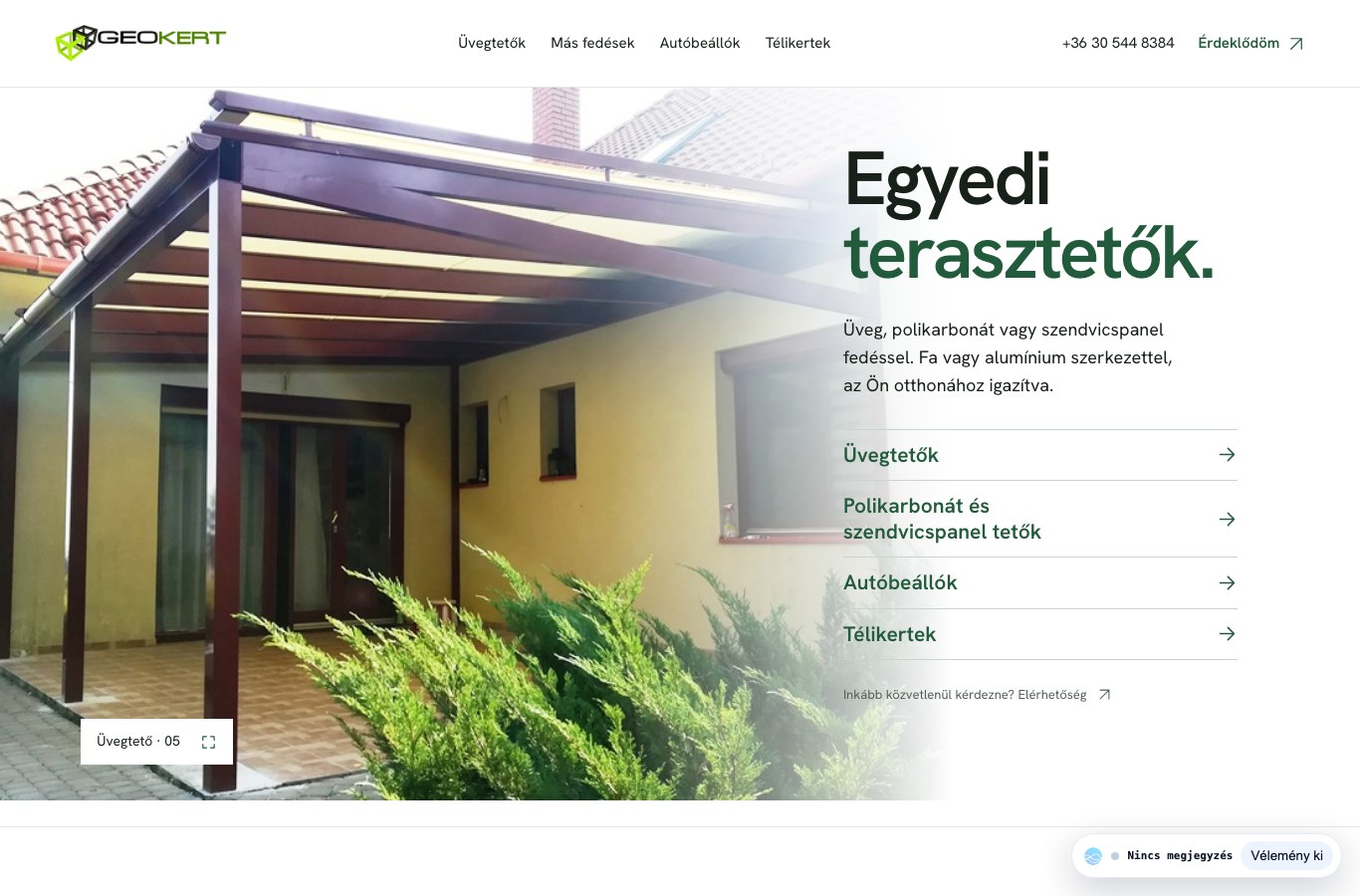
02 · Sol 6.1 · Max
Garden-side narrative
A warmer photographic journey through the connection between home, terrace and garden, with varied image scale.
Review Sol Max variant →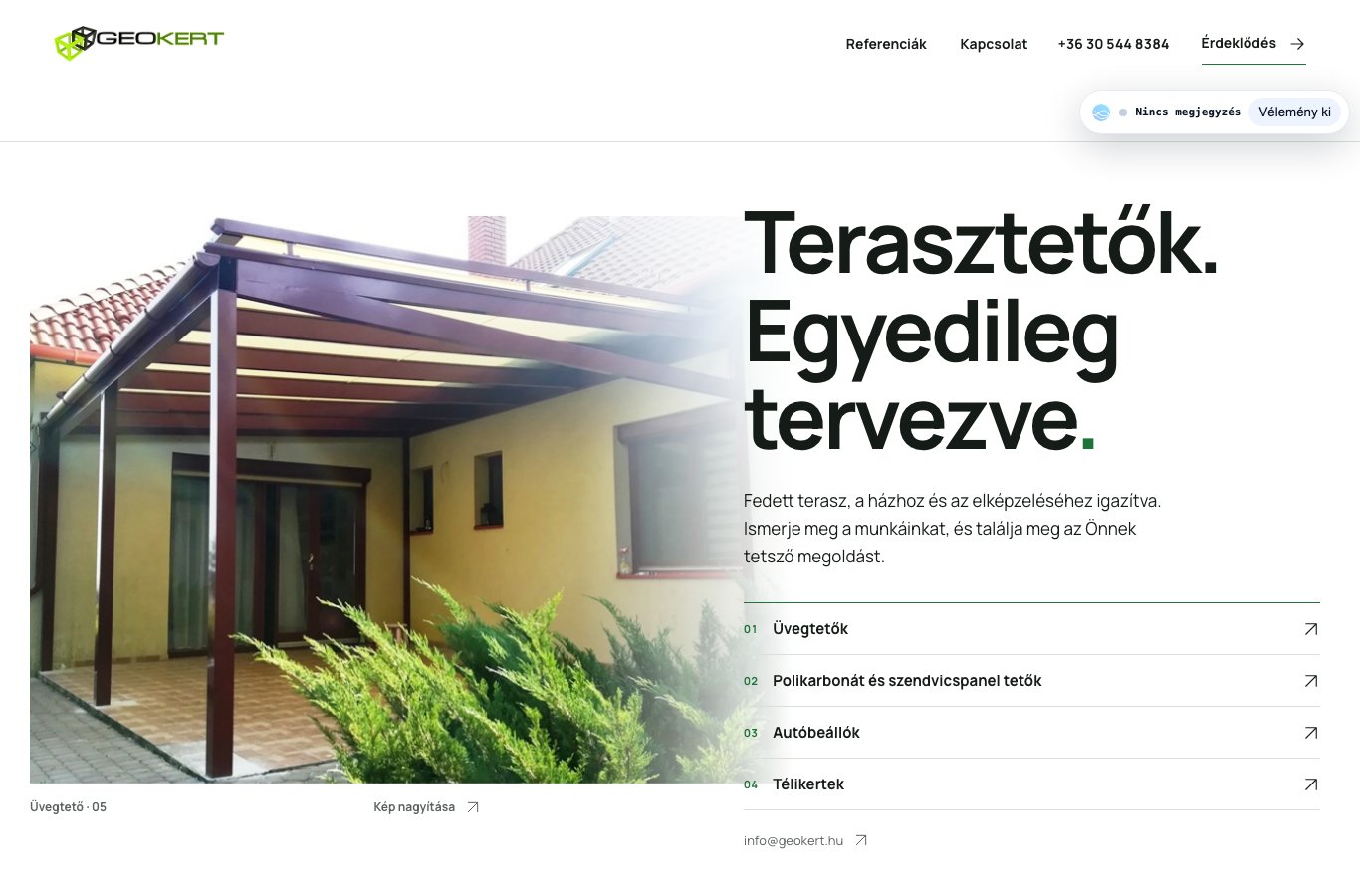
03 · Sol 6.1 · XHigh
Maker’s project catalogue
Numbered chapters and restrained photographic references make it easy to identify a project and explain a similar idea.
Review Sol XHigh variant →Review in this order
- Compare the first view: does it clearly lead with terrace roofs and invite browsing?
- Open each service and gallery: judge photo scale, readability and the rhythm of the whole page.
- Try a service enquiry, then a generic enquiry: project and contact first, one explicit priority afterward.
- Choose the composition that suits Tamás. Copy and images can then be refined within that direction.
Use the review toolbar to turn comments on. Ctrl or Command + Space cycles review mode. Ctrl or Command + Arrow Down hides or restores the review toolbar. Each variant has its own stable comment document.